

Get the game loading and find your round
Start with the symptom you can see, then follow the matching steps.
Refresh a loading screen
A steady connection and a fresh game window are the first steps. If the game stops at its loading screen before a spin, check your internet connection, refresh once and reopen Super Ace 2 from the casino lobby. Give the game time to finish loading before pressing Spin.
Use a current browser or update the partner app through the partner’s own download route. Close spare game tabs so you can follow one session clearly. If you are choosing an installation route, open Download APK. Exact app menus depend on the casino you use.
Reconnect after a spin
An accepted bet keeps its result after a disconnection once the outcome is beyond player control. The server’s round record is what matters, even when the animation stops partway through. Reconnect, reopen the game and find the round in your account history before placing the next bet.
A technical malfunction is a separate case: it voids all pays and plays. Ask the casino support team to identify the round status and explain the settlement. A paused animation by itself is a reason to look up the round, rather than decide its status from the picture.
Match the round to your balance
Look for the game or transaction history in your casino account. Find the entry for Super Ace 2 at the time of the interruption and compare its bet and result with the balance movement. Save the round ID and a screenshot of the entry for your support message.
Menu names vary by casino. If you need help finding the entry, give support the game name and approximate time, including your time zone. Keep the account open in your own browser while the team helps you trace it.
Sound and account access
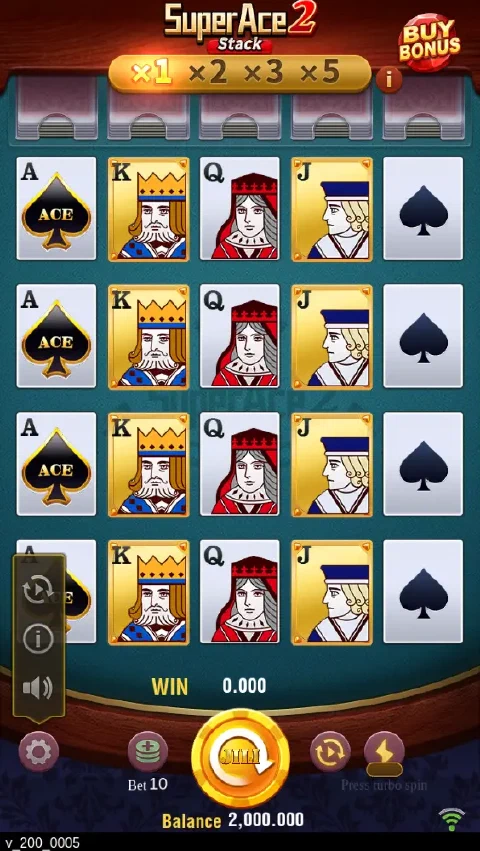
Sound controls sit in the game’s settings. Check the sound setting, your device volume and whether the browser tab is muted.
For account sign-in and recovery, open Login. The partner casino handles access to its player accounts.
Send the details to casino support
Use the support route inside the casino where you played. Include the game name, date, time, round ID and a short description of what happened. Crop screenshots to the game message or history entry and keep passwords and payment credentials private. Publisher enquiries go through Contact.